The Raspberry Pi is a small single-board computer that was originally developed to teach the basics of computer science, luckily these wonderful computers were discovered by nerds on the internet, so there are now tons of goofy Raspberry Pi projects you can try on you’re own. Here are a few projects I’ve set up at home.
Team Venom Bot
My first Raspberry Pi was a Model 2 B that I originally used as a low power NAS device and media server. Over time the SD card burnt out and I had to retire the NAS and think of another project. “Hey Twitter is an annoying website,” I thought, “Maybe I could do something with that”. So I set out to make a Twitter bot.
My advanced AI
Using Python I was able to program the Raspberry Pi to send out one of many extremely inside jokes from a text file to a twitter account named “Team Venom Bot”. The account would then post the tweet. I used a cron job to run this every 12 hours. By the time I ran out of lines in the text file I had accumulated TEN whole followers (mostly my friends and other bots). Unfortunately Team Venom Bot didn’t grow big enough to influence any US elections, but it was interesting to discover just how east it was to make a basic twitter bot.
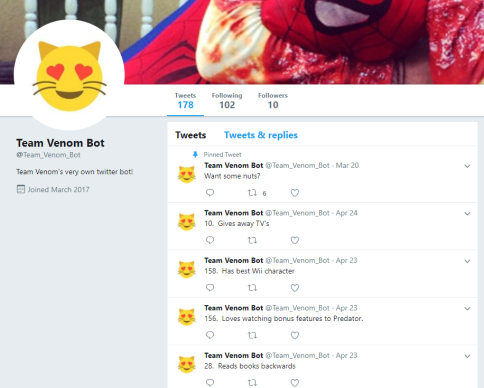
Inside Jokes!
The bot isn’t running anymore since I wiped the SD card for another project, but it was a fun way to learn a little bit about Python.
PiHole – https://pi-hole.net/
I hate buying things, so why would I want to look at ads? Yet there they are, all over the internet. With a PiHole server, you can re-route your home network’s DNS queries to go through a custom domain name white-list on your Pi server. This way when you go to a web page and an ad for Alex Jones brain pills or a Christian MILF dating site wants to load, you just see a nice little frowny face logo instead.
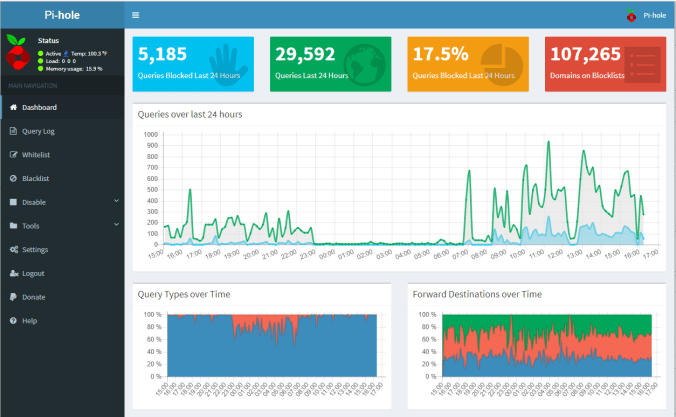
Graphs too!
Setting up a PiHole server is fairly easy and extremely practical. A great first project if you want to get into using a Raspberry Pi.
Retropie – https://retropie.org.uk/
Are your kids asking you for a new Nintendo but you don’t want to drop another $300 to those goon Mario Bros? Do you want to see if the games of your misspent adolescence hold up? Then you should try building a Retropie.

My bootleg Switch – The Mattendo
Retropie is built on the Raspbian OS, and will turn your Pi into a retro-gaming system. For my setup, I added a touch screen, speaker, stand, and both blue tooth and USB controllers. I also added an attachment to the HDMI port so it can easily be plugged into the HDMI port on a TV.
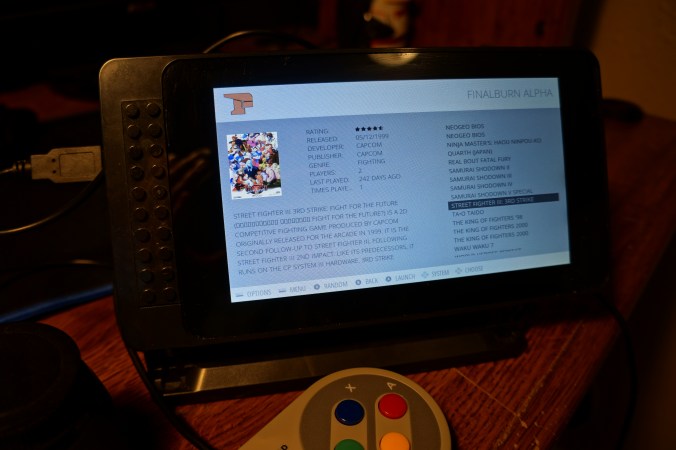
Play games released as recently as 1999!
Retropie offers a huge variety of emulators, even obscure consoles like the TurboGrapx and Virtual Boy. There is a lot to customize and play around with, a very fun project if you’re into old video games.
Minecraft Server – https://lemire.me/blog/2016/04/02/setting-up-a-robust-minecraft-server-on-a-raspberry-pi/
Several years ago I build a Minecraft server for my friends. A co-worker of mine gave his 4th Grader son the server address, and before long his entire class had built a little civilization. One day my co-worker calls me, and tells me I need to ban one of his son’s friends. Apparently they had a little “Lord of the Flies” moment and some kid was destroying the 4th grader town with TNT. Pretty funny moment, I can see why Minecraft exploded so much in popularity.
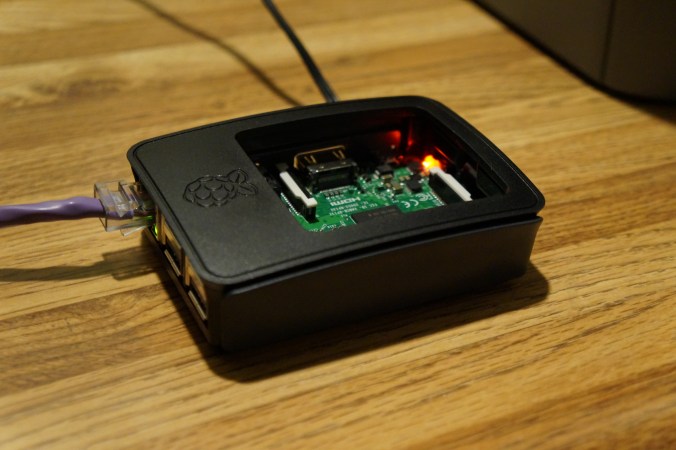
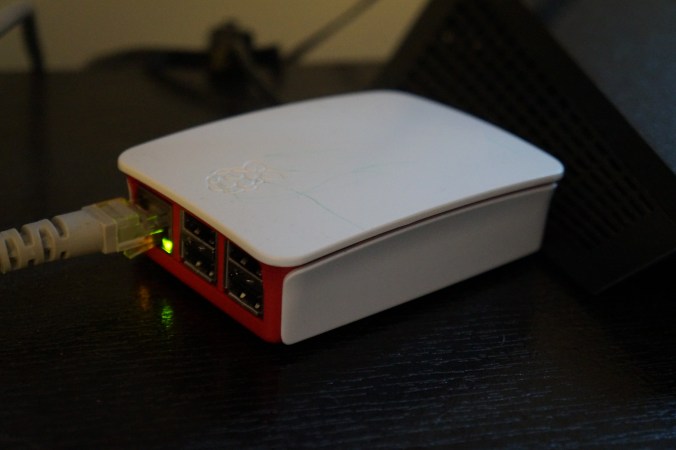
Live from my basement datacenter
For this project I wanted to see how well a Minecraft server could run on a Raspberry Pi 3. And it turns out it runs very well for the most part, even from a remote connection. The only problem is that none of my friends play Minecraft anymore, and nether do I, so it sits very idle now. I’m currently looking for another project to try on this Pi, so if you know any good ones, feel free to let me know!
Overall the Raspberry Pi is a great way to learn more about computers. Even just making a little device that plays old video games will teach you quite a bit about open source operating systems, the internet, computer storage, and even some basic programming.
 The Team Venom Website
Pingback: Team Venom Bot 2.0 | Extremely Local News